01 Invoice verification
It starts with one line on one invoice.
Every line is checked against the source: price, quantity, pack size, math. Chicken thigh landed 11.8% higher than last delivery, so MiseUp flags it instead of quietly absorbing it.
Invoices, recipes, costs, and menu pricing shouldn't live in ten different spreadsheets.
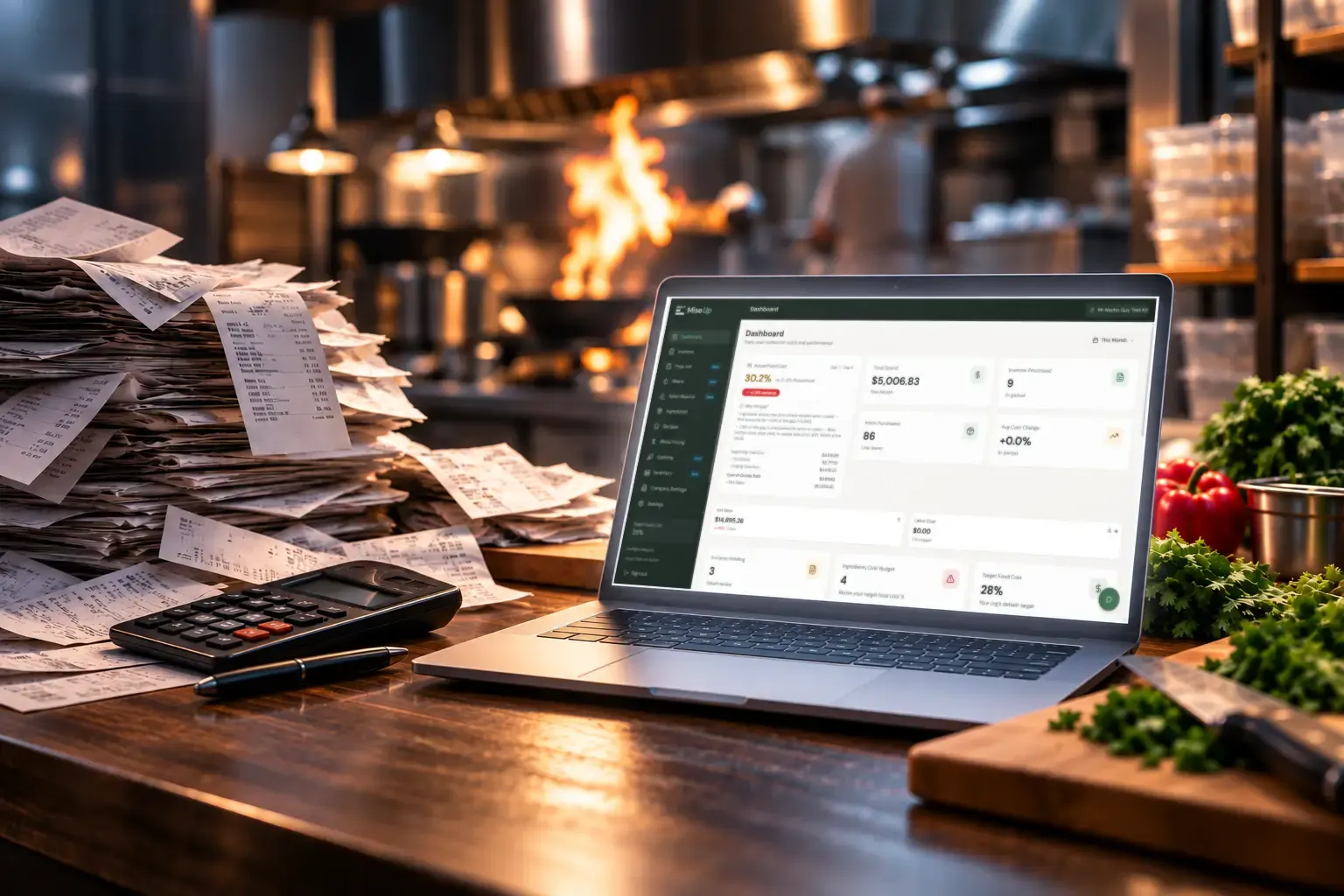
MiseUp reads every invoice, checks it against the source, and turns it into verified costs, current recipe margins, and a clear picture of where your money is going, without you touching a spreadsheet.
+$2,137/month in recovered margin found at a 4-location group in New Brunswick.
Six things quietly drain an independent restaurant's profit. Here is each one, and right below, exactly what MiseUp does about it.
Every other tool asks you to trust the data. MiseUp shows its work, and gets you from “I think we're profitable” to “I know exactly where every dollar is going,” in six steps.
Every part of MiseUp works off the same verified invoice data. Watch one line on one invoice, chicken thigh up 11.8%, move through verification, recipe costing, your menu margin, and the alert that tells you about it.
An animated illustration of MiseUp using sample data. It follows one invoice line item, chicken thigh rising from $4.82 to $5.39 a kilo, through invoice verification, recipe costing, menu margin, and a vendor price alert. Each step is described in the text beside it.
01 Invoice verification
Every line is checked against the source: price, quantity, pack size, math. Chicken thigh landed 11.8% higher than last delivery, so MiseUp flags it instead of quietly absorbing it.
02 Food costing
The moment the invoice is verified, every recipe using that item recosts itself. Butter Chicken's plate cost moves the day the delivery lands, not at the end of the quarter.
03 Menu pricing
Nineteen cents a plate is invisible until you see it as a percentage. Butter Chicken just crossed your 25% food cost target, and two more dishes use the same item.
04 Vendor watch
No dashboard you have to remember to open. The increase surfaces the day it lands, with the history behind it, so the next call with Hudson Meats starts from receipts.
05 Ask Penny
Penny already has the invoices, the recipes and the verified costs behind all of this. No report to go and find, no filter to set. Ask in plain language and she answers with the numbers, and with what to do about them.
Penny is the AI built into MiseUp. She already knows your invoices, recipes, and verified costs, so instead of digging through reports, you just ask.
Illustrative examples. Penny answers from your own live data.
| Feature | MiseUp | Spreadsheets | Enterprise tools |
|---|---|---|---|
| AI invoice parsing | Yes | No | Partial |
| Setup time | Minutes | Hours | Weeks |
| Recipe costing | Live | Manual | Yes |
| Multi-location visibility | Yes | Partial | Yes |
| Automatic cost updates | Yes | No | Yes |
| Price alerts | Yes | No | Partial |
| Training burden | Low | High | High |
We won't put words in an operator's mouth. As restaurants run their numbers on MiseUp, we'll share their names, dashboards, and results here, with permission and with the receipts.
Early operators help shape the roadmap and get founder-level support.
Start with the core plan, get operational visibility quickly, and move up only when your portfolio complexity actually demands it.
Most popular
For single restaurants and small groups that need control fast.
$900 annually per location
Plan
For restaurant groups managing multiple operating units.
$750 annually per location
Plan
For larger portfolios with integration or rollout complexity.
Custom onboarding and enterprise support
The answers below focus on the real decision: whether MiseUp gives operators enough clarity to trust it with the hardest parts of the business.
MiseUp uses AI-powered invoice processing to extract vendor line items, match ingredients, and update costs from real purchasing data.
Yes. MiseUp supports multi-location operations and makes it easier to compare supplier costs and margin performance across stores.
MiseUp is built to handle standard vendor invoices with strong accuracy, while still giving operators review control when edge cases need a second look.
Yes. Public pricing currently offers a 14-day free trial with no credit card required to get started.
That is the point. MiseUp centralizes invoice data, ingredient costs, recipe costing, and pricing logic so operators do not have to manage fragile spreadsheet systems.
Photos, PDFs, and emailed invoices can all fit the existing workflow described on the current site.
Upload your first invoice in 5 minutes and watch it flow through inventory, recipes, and costs, the way an operating system should.